



Billionairespin Mobile Access
The Billionairespin app works as a PWA and is optimized for touch screens. So, you can install it on your Android or iOS mobile phone. At the same time, you don’t have to worry if your device is older – our solution is lighter than traditional applications and works well even on phones with limited resources.



Using Billionaire Spin on Mobile
Since 2024, the Billionairespin app has become a convenient choice for our users. No wonder that over a million of them already use it. But some players still have doubts because of common myths about PWAs.
| Myth | Reality |
| The app takes up a lot of phone storage | Our solution uses web technologies and needs only 1 MB |
| After installation, you’ll have to learn the Billionairespin Casino interface again | The navigation is the same, so you can easily find our gaming and bonus sections |
| The mobile version offers fewer games | With our PWA, you can access the full collection of 6,000+ titles |
| Playing on a small screen is inconvenient | All buttons become larger and adapt to your fingers |
| If the internet connection drops, your progress will be lost | Your account data is stored on the server. Plus, thanks to caching technology, you can quickly return to the game |
| You can’t play Live Casino on your phone | The stream quality adapts to your screen size and internet connection |
| Your account will be deleted if you uninstall the application | You only remove the app from your device, but your balance and account history stay safe |
What’s more, the Billionaire Spin app keeps all the features of our platform. So, you can make deposits and go through the verification process in the same way as on the website.
Is There a Billionairespin App for Android?
You can install our application on any version of this operating system – whether it’s Android 8.0 Oreo or Android 17. Also, the Billionairespin Casino solution doesn’t need access to your contacts or other apps to work correctly. So you can count on a completely private and safe experience.
Our application also protects you with other measures:
- HTTPS – Even if you use public Wi-Fi (for example, in a cafe or airport), your data is still sent through a secure connection.
- Safe payments – All transactions that you make at Billionairespin are encrypted with TLS.
- Suspicious activity monitoring – Our systems quickly detect any unusual actions in your account.
- Network security – We also use DDoS tools to protect our servers from too many incoming requests.
Another benefit of the Billionairespin app is that it uses PWA-based technology. This means that all updates come through our platform itself. So you don’t have to get them from Google Play.
PWA Experience
There’s no need to download APK files from unsafe third-party sources – our application can be installed directly from the Billionairespin Casino website. Just follow these steps:
- Select “Casino App” to open the application card
- Choose the Install button
- Minimize our website and go to your home screen – you’ll find the shortcut here
- Tap it to launch our PWA and log in for the first time
After that, you can use the Billionairespin app whenever you want. It always stays up to date because our developers add new features in the background.
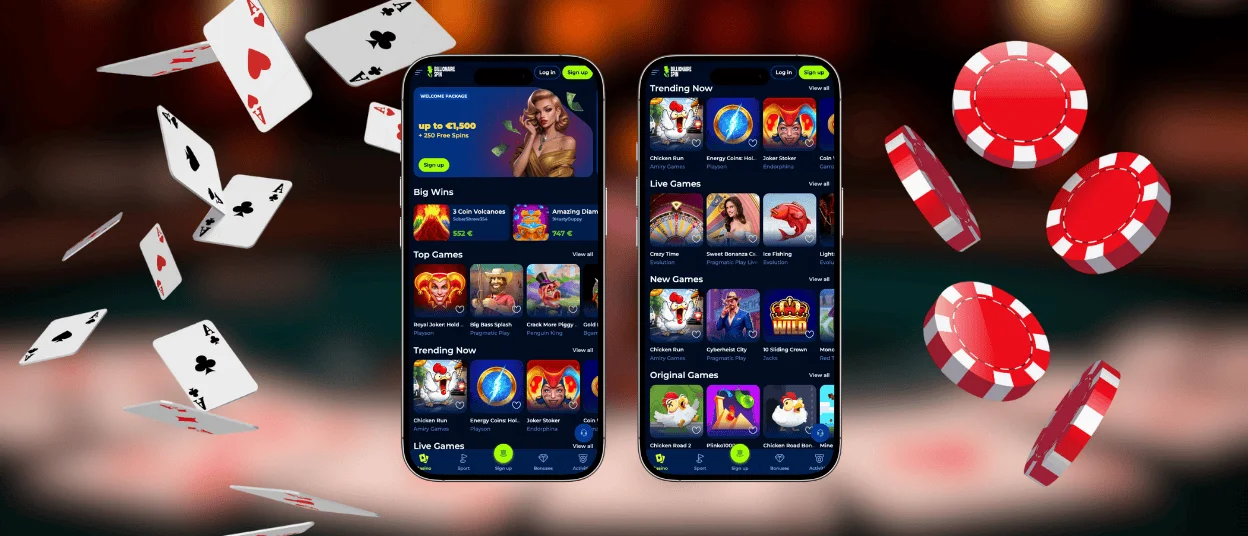
Is There a Billionairespin App for iOS?
iPhone and iPad users can install the Billionaire Spin app through Safari. And after that, you can also launch it from a shortcut that works through your browser engine.
One of the main advantages of the Billionairespin Casino solution is that it helps your iOS device use less battery power. This is possible thanks to Service Workers and Lazy Loading.
What’s more, our PWA supports push notifications. So, you can enable them in your account, and they will appear at the top of your screen – just like with standard mobile apps.
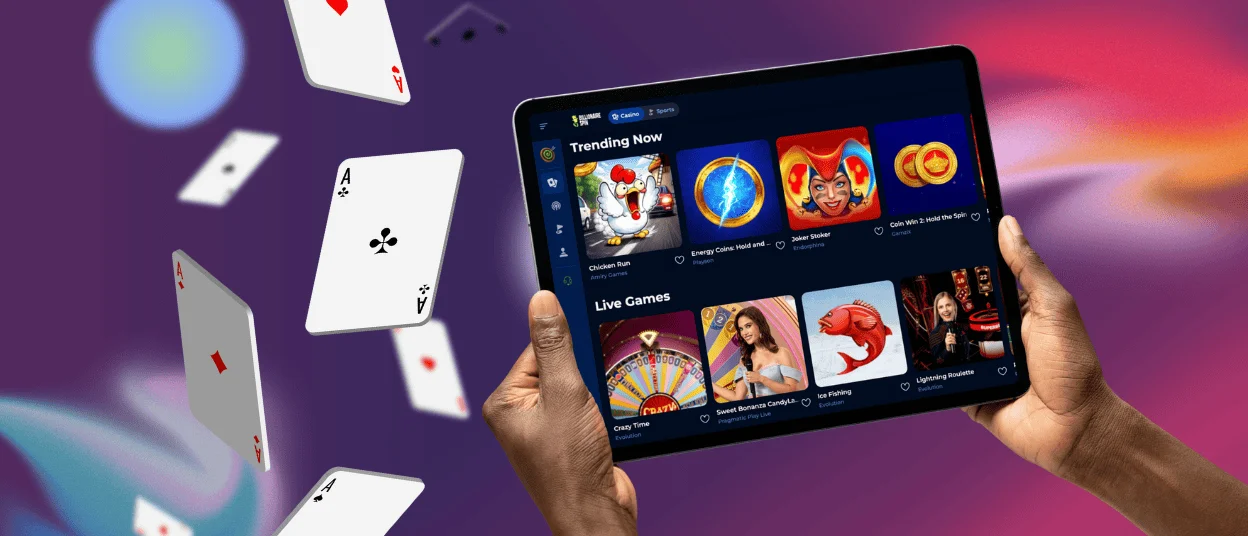
Desktop App for Windows and macOS
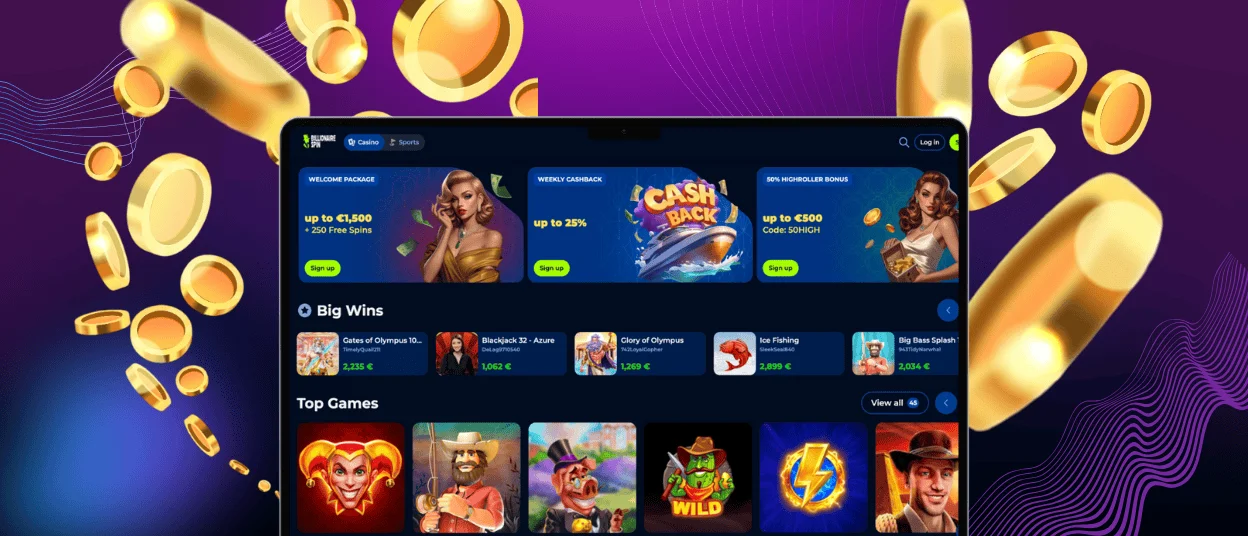
Our application also works well on larger screens. So, there’s no need to search through dozens of browser pages to find Billionairespin Casino – you can launch it from a shortcut on the Windows taskbar or the Mac Dock.
With our solution, all online slots and other titles open in full-screen mode. This means that browser tabs and the address bar won’t distract you from the gameplay anymore. That way, you can fully focus on your gaming experience.
FAQ
Do I need an account to use the app?
If you already have a Billionairespin profile, just use the same login details. Otherwise, you can create an account on mobile right away.
Can I access the mobile casino without installing the application?
Yes, our website has a responsive design, so it adapts to every screen. That way, you can access Billionairespin Casino through any browser.
Where can I read reviews about the app?
On the Billionaire Spin app page. Here, players share their installation experience and overall impressions of how our solution works. Also, you can check ratings and technical details of the app.
Can I reach out to a support team in the app?
You can contact our experts via live chat. And if you prefer to find an answer on your own, our application also has an FAQ section.


